• 37 Posts
  • 32 Comments
Joined 2 years ago
cake
Cake day: July 8th, 2023

help-circle
  • Thanks so much for the other stuff you use! I’ve been using bm for years, but I haven’t used mkcd, so I’m definitely going to add that.

    I’m going to give your library, config, and AoC a good look because that’s exactly what I was hoping for in this conversation! :)

    In general: The only time I add it to my ~/.bashrc is when it’s either an alias for something simple, or a very simple function. Otherwise, anything that requires more legwork or is bigger than a few lines, I put in dtools. I used to put it all in my ~/.bashrc but that honestly became kind of cumbersome when I have different configs on different servers, or machines for work vs personal, etc. And sometimes the exports would differ making functions work differently and I didn’t want to just have to copy that section of my ~/.bashrc as well every time something updated, hence why I created the dtools repo!

    To respond to your other comments, I’m going to do my best to respond in the order they show up:

    printf vs echo through bold() vs $'\e[1m'

    The dtools script is actually compiled, not written by me. So in the vast majority of the project, my code is all in the src directory, not in the dtools script. In fact, my repo without compilation consists of only 3k lines. The compiled code in the script then makes up the completions, coloring, some error handling, validations, filters, help messages, constraints (like conflicting flags), etc.

    So many of the echos you see are from the bashly framework, not my code. I often use heredocs for longer or multiline strings (being SUPER careful when using <<-EOF to make sure my damn editor is using TABs…that’s such a nightmare otherwise 😂 ).

    If you look through my code in particular, you’ll see I use many of these bash-isms you’ve mentioned!

    So the One vs Many comment is exactly how the repo works! Each subcommand is its own directory and file. So, for example: All dtools aws commands are in the src/commands/aws directory. And any further subcommands like dtools aws secretsmanager are in another subdirectory where each command has its own individual script!

    Bashisms

    I’m familiar with many of the bashisms you mentioned except the var="$(< file)" one, that’s awesome! I’ve been trying to migrate away from using cat to just output file contents and use more direct, purpose methods that are often built into tools (like jq '.[]' file.json instead of cat file.json | jq '.[]'). However, I’ll say that when I’m trying to read each line into an iterable array, I often use readarray too.

    grep | awk | sed

    I’ve been trying for years to get more people to look into awk because it’s amazing! It’s so undervalued! sed takes some getting used to with the pattern and hold space but it’s worth the initial suffering 😛

    Shellcheck

    I’ve got my Helix editor set up with Shellcheck! It’s awesome! You’ll notice if you look at my code directly that there’s a number of places I have to do # shellcheck disable=SC2154 (a variable is referencing an undefined value). This is because the framework creates and passes those variables to my scripts for me.

    A Loose Offer

    You seem a lot like me in that you do a LOT of bash scripting! So I’ll admit to the fact that I’ve looked at the compiled code and noted that the most important code is mine, and while there’s a lot of things going on in the compiled script, I agree with most of it. But I’ve also been a bit concerned about how often it’s spawning subshells when it doesn’t have to.

    I think I can fix some of them with associative arrays if I add a minimum bash version requirement in my config, but I’ve honestly never tried. I’ll check that out now!

    Since you make a solid point about a lot of this that should maybe be updated in the Bashly framework, maybe we should work together to update the framework to have better conventions like you’ve mentioned?


  • Sadly no I’m not, but I was very inspired by him when I was in that scene! PSP hacking was my first experience with customizing any kind of device beyond what average users can do and it’s what made me fall in love with computers as a kid. I don’t think I’d be the software engineer I am today or even in this field if it wasn’t for him. My name is Alex so I thought I could pay homage to him by choosing a similar username, since he had such a massive impact on my life ☺️


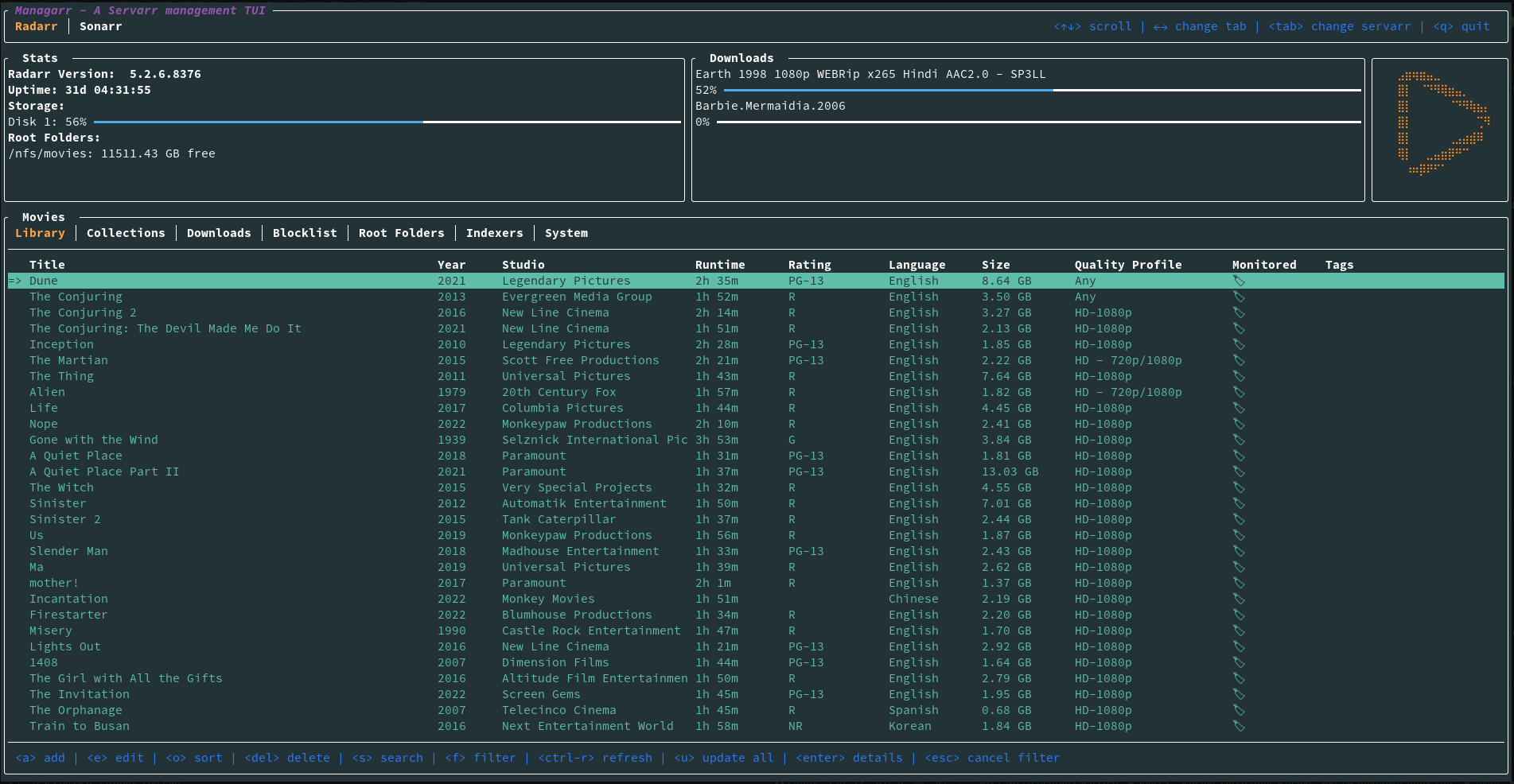
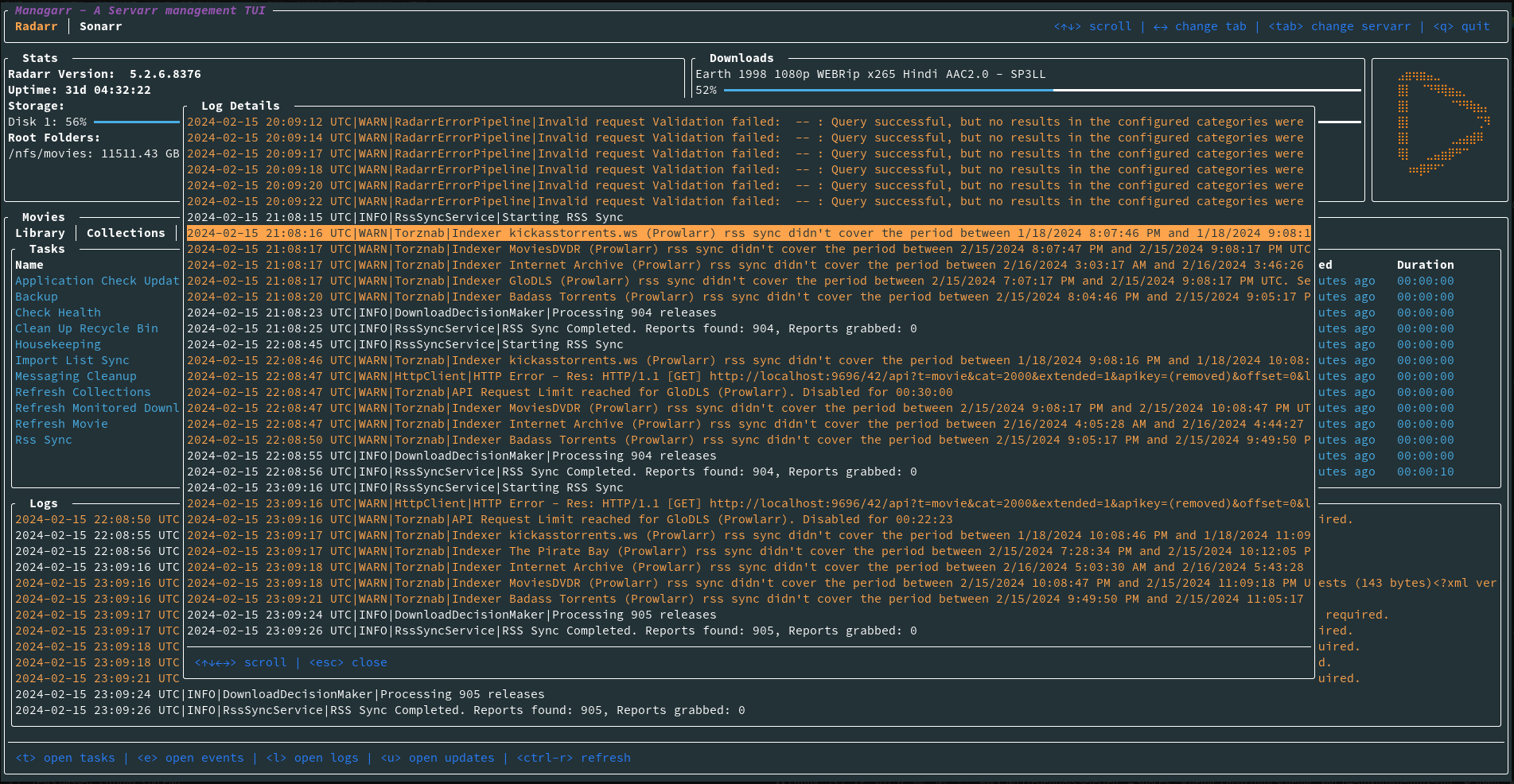
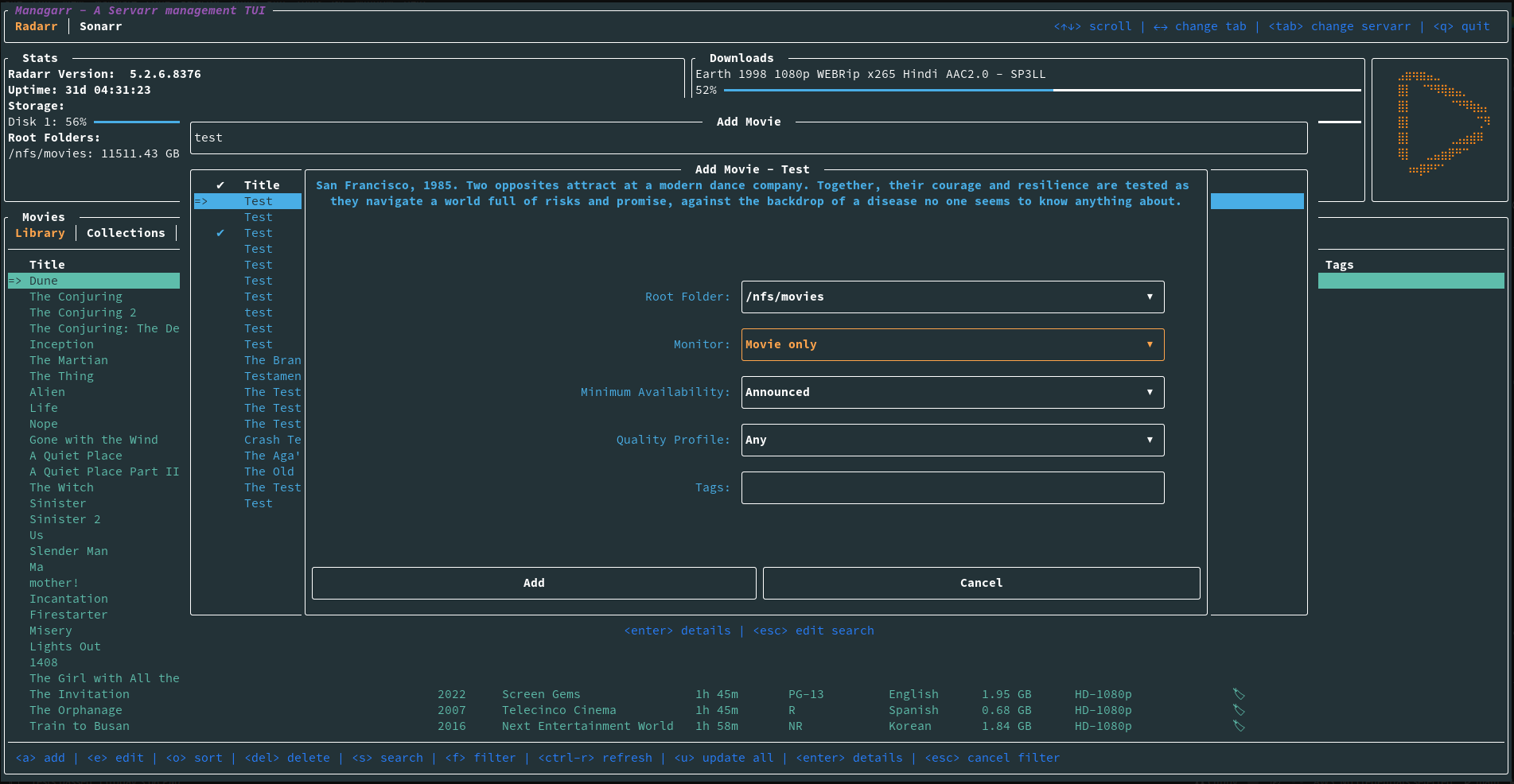
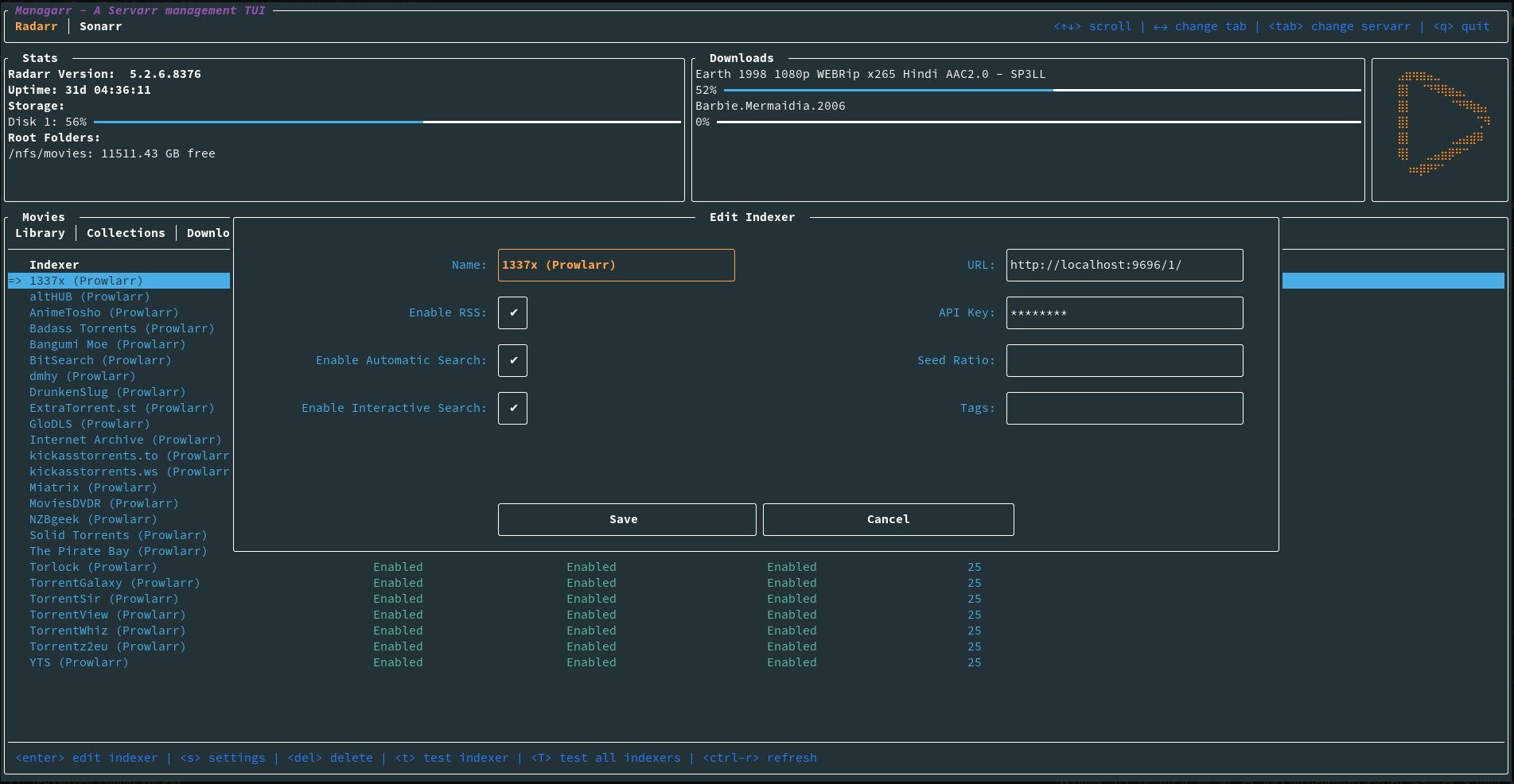
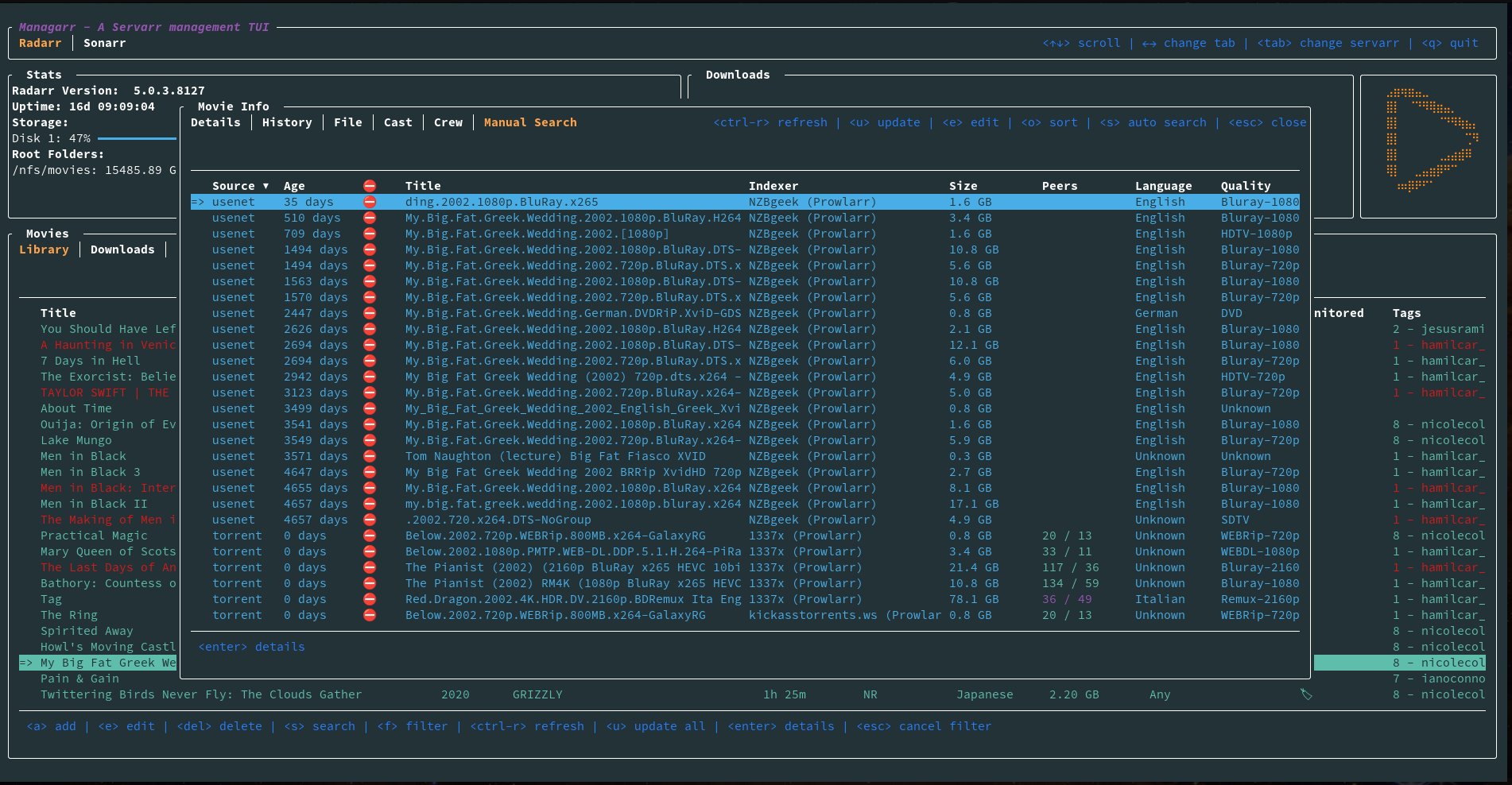
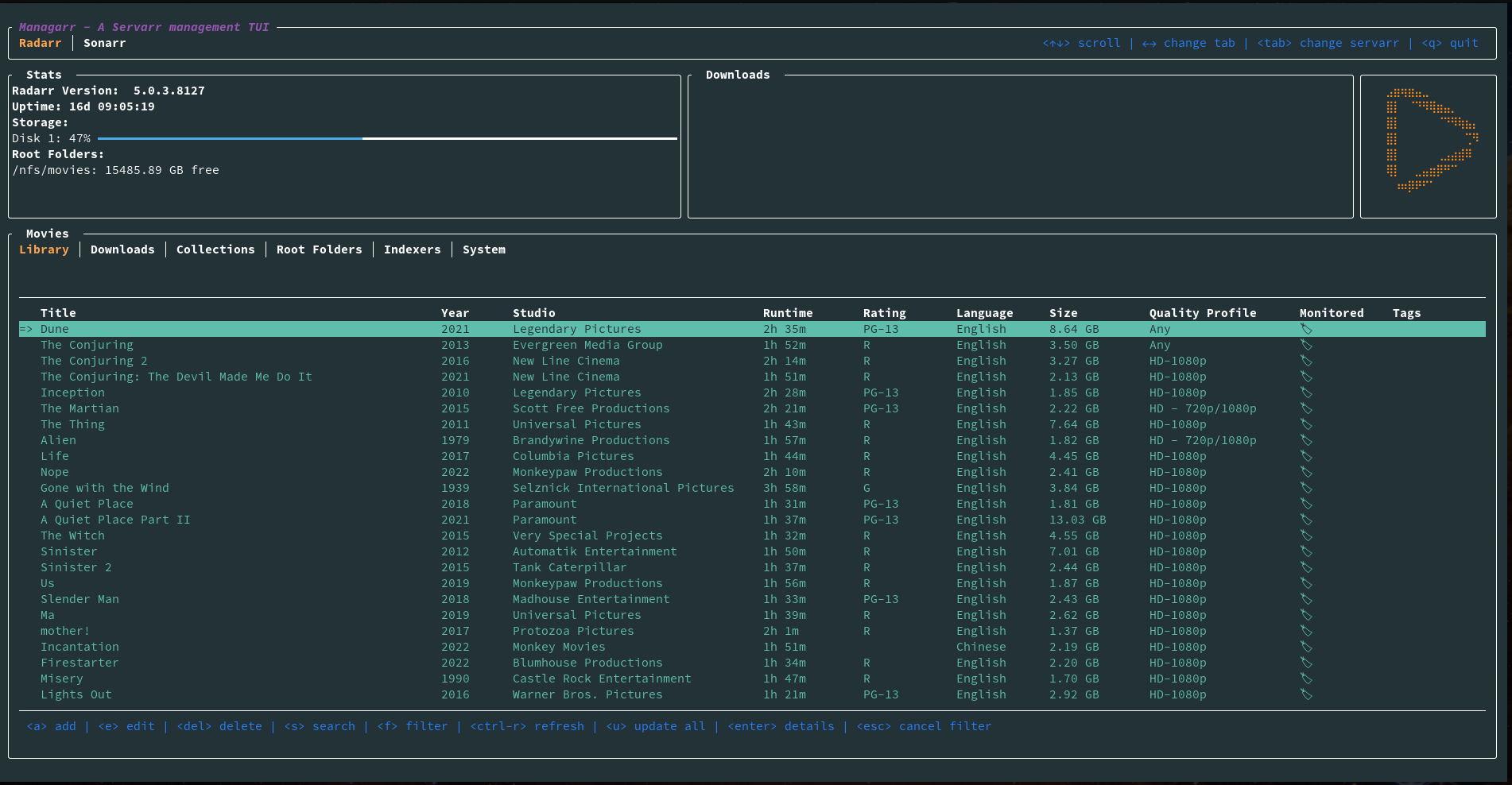
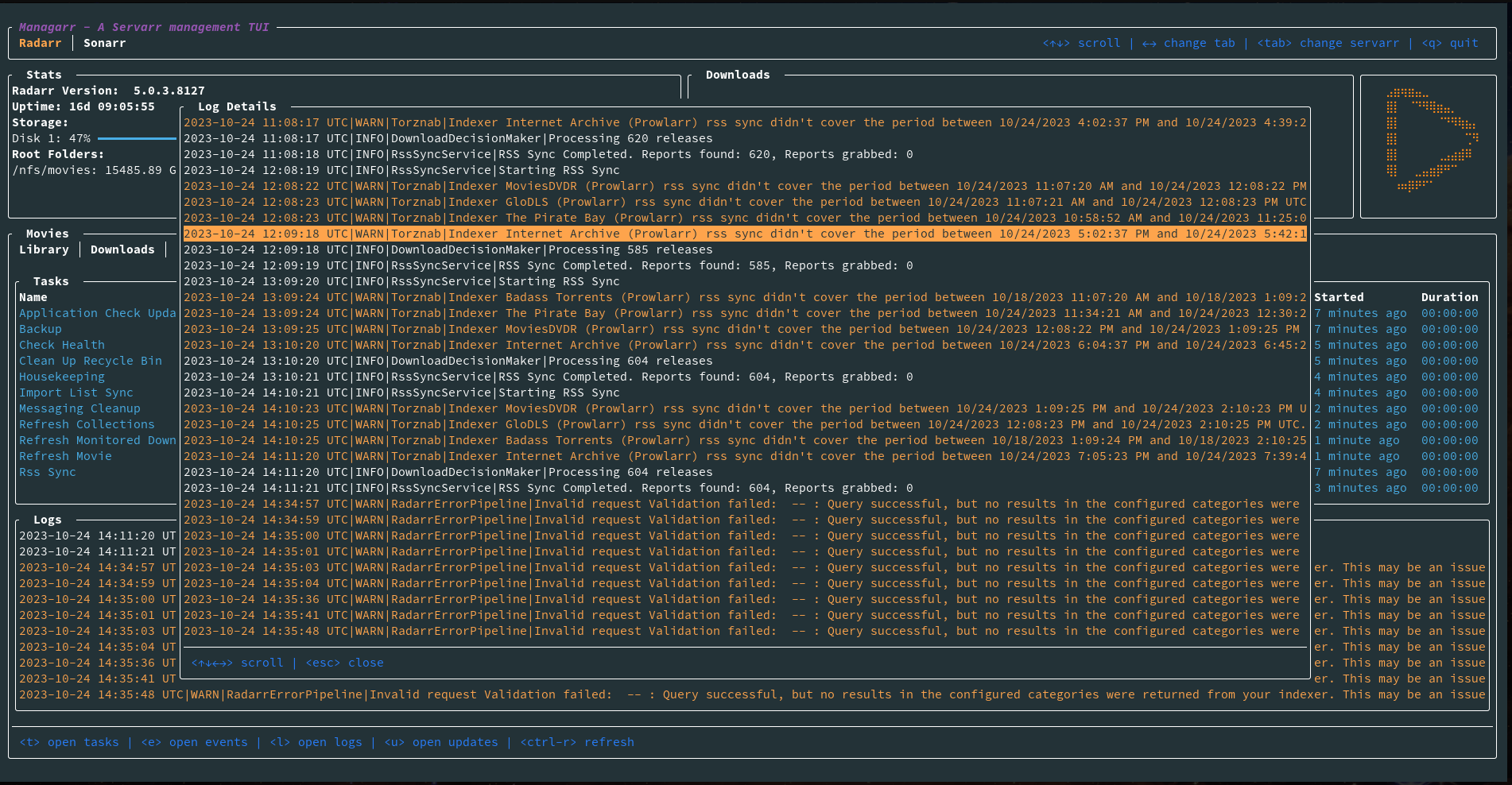
  • To answer your question, I built it for a few reasons:

    • I wanted to learn Rust, so I used this project to do that
    • I really love TUI’s and I pretty much live in my command line at work, and since I already automate everything I can to make my work life easier, I wanted to be able to do the same with my homelab
    • I think it looks cool
    • For fun. If no one else ever gets use out of it, that’s okay! I just really enjoyed building it and I’m excited to build out more of it.

    But also: Why not? ☺️

    So really, you would only use this if you like TUIs or want a command line tool for interacting with your Servarrs. If you have no use for it, that’s totally fine too!

    The one actual use I’ve found people say they use it for is people who don’t want to expose the web interface to interact with their Servarrs and only interact via SSH. Then they like to use this instead.


  • To answer your question, I built it for a few reasons:

    • I wanted to learn Rust, so I used this project to do that
    • I really love TUI’s and I pretty much live in my command line at work, and since I already automate everything I can to make my work life easier, I wanted to be able to do the same with my homelab
    • I think it looks cool
    • For fun. If no one else ever gets use out of it, that’s okay! I just really enjoyed building it and I’m excited to build out more of it.

    But also: Why not? ☺️

    So really, you would only use this if you like TUIs or want a command line tool for interacting with your Servarrs. If you have no use for it, that’s totally fine too!

    The one actual use I’ve found people say they use it for is people who don’t want to expose the web interface to interact with their Servarrs and only interact via SSH. Then they like to use this instead.


  • Given that I can’t really see what would change in Managarr that would require additional changes in the Nix package, I see no reason not to have us both as maintainers, especially since I don’t currently have Nix installed. (It’s high up on my to-do list, don’t worry! I know I’ll like it!)

    Are there any files that would need to be checked into the repo so we can maintain an official package for it?


  • Oh and that next release is going to be a minute. I realized a massive race condition bug between the networking thread and event thread that I want to resolve. It’s going to take a minute since I’m going to have to move a good amount of logic from the networking thread to the even thread to send parameters to the networking channel. So the next patch will be that fix, the release fix, and the dynamic UI based on the config. If you want, I can ping you when I’m going to do it so you can open your MR and we can get the Nix package into the next release.


  • Thanks for pointing out the tagging bug. I just pushed out the fix to the release pipeline to correct that.

    As for the configuration, it’s quite funny you mention that because I just earlier today pushed out the fix for that and I plan to have it as part of the next release. The fix being, that the UI dynamically changes based on what Servarrs you have in your config file.

    And as for the color theme, that’s an interesting thought. I’ll look into it now!

    Thanks for the feedback, I really appreciate it. And seriously, thanks for catching that tagging bug. That’s definitely not ideal…